acrO
Getting started

Set up in 3 steps

From an empty server to moderation, welcome messages and tickets in about five minutes. No docs to read - the bot asks, you press buttons.
Step 1: Invite acrO
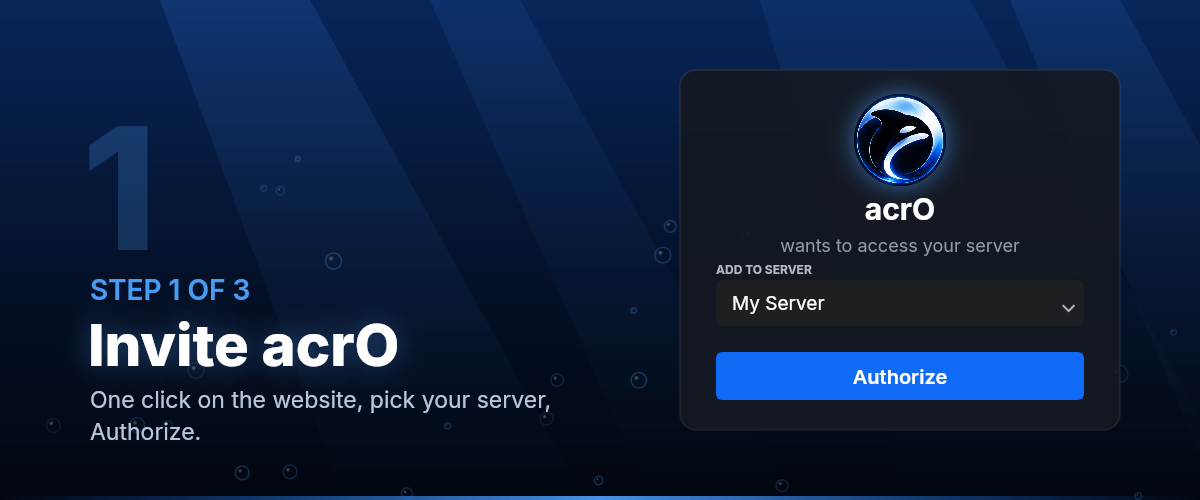
Step 1 of 3

Invite acrO

Press Add to Discord, pick your server and Authorize. The invite asks for the permissions the features use; you can untick any and that feature simply stays off.

Right after it joins, acrO says hello in the first channel it can write in - with the two commands below.
Add to Discord

Step 2: Run /setup
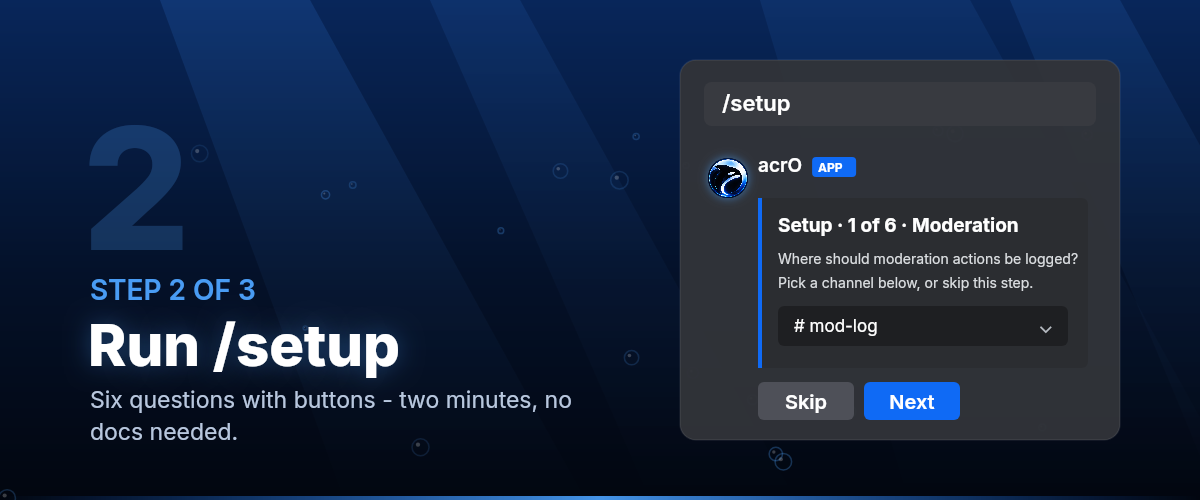
Step 2 of 3

Run /setup

Six questions with buttons: the log channel, welcome messages, verification, automod, tickets and levels. Every step can be skipped; nothing is turned on that you didn't pick.

It takes about two minutes, and you can run it again any time - it only changes what you answer.

All commands

Step 3: Open the dashboard
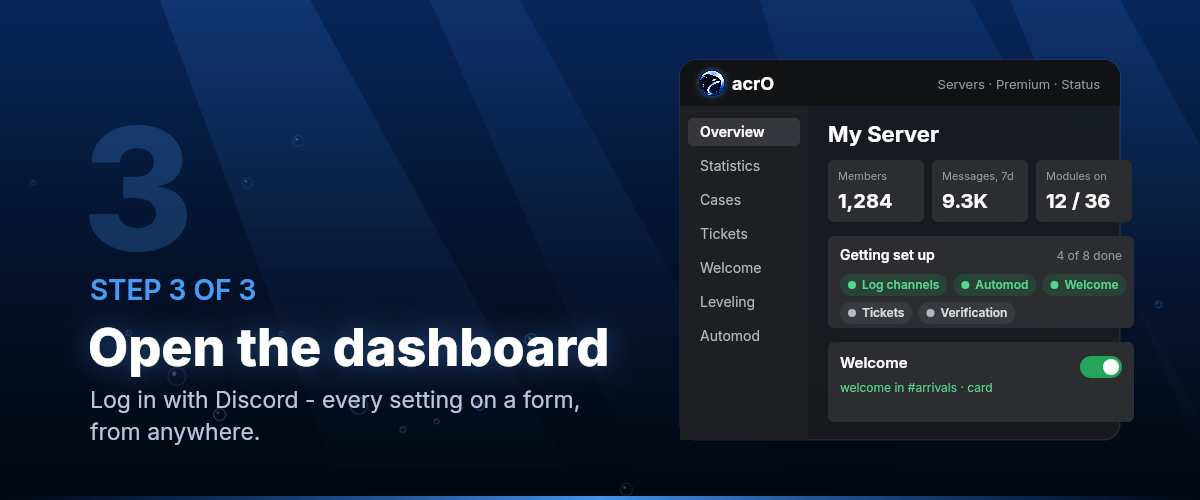
Step 3 of 3

Open the dashboard

Log in with Discord and pick your server. The overview shows what is set up and what is still missing, and every setting is a form - channels and roles from a list, a preview where it helps.

Whatever you change here or with a command shows up in both places, and the History page can undo it.

Open dashboard

After that